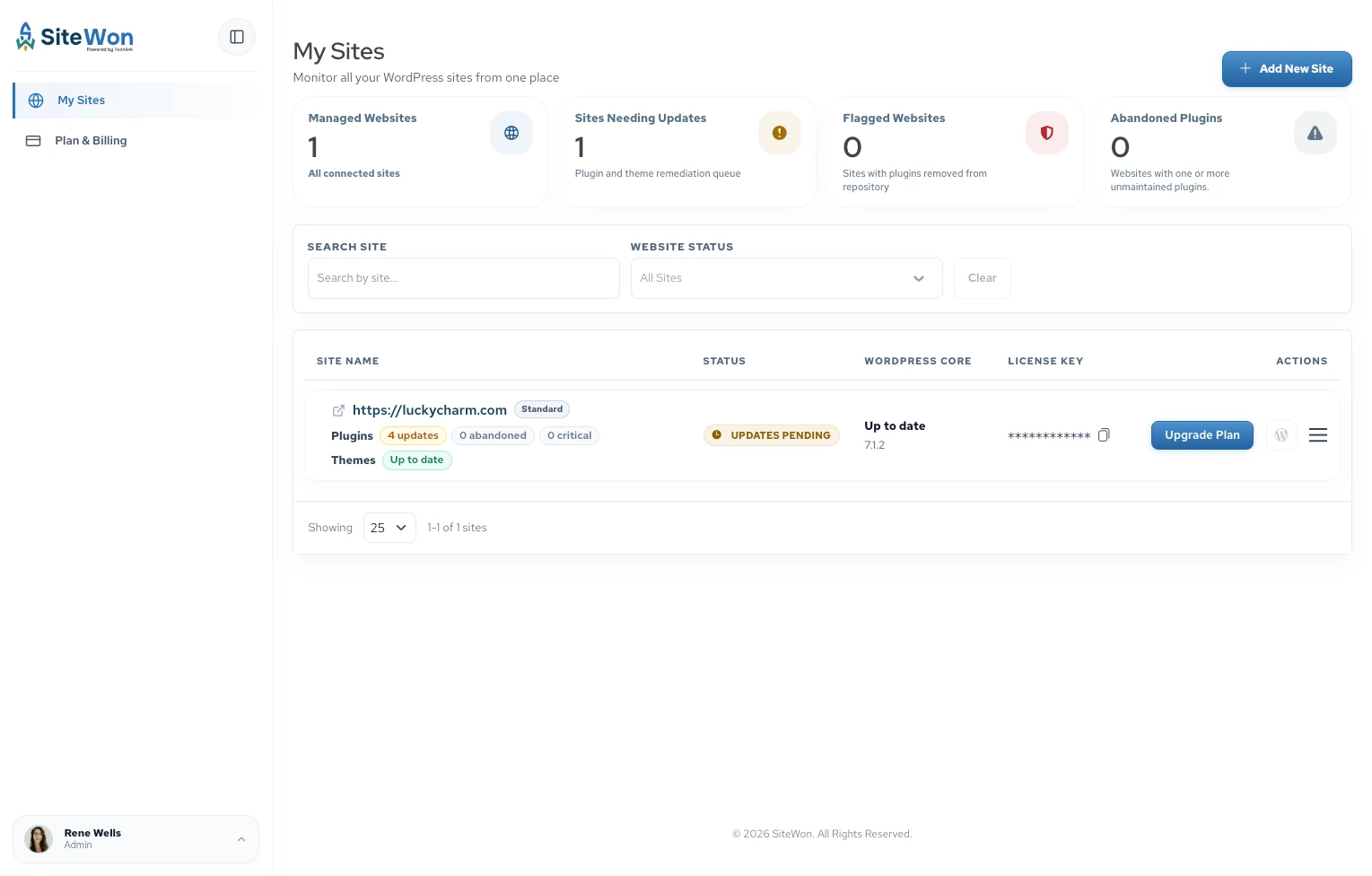
At SiteWon, we separate monitoring from managed maintenance. Monitoring shows what needs attention; managed maintenance assigns people to perform the work covered by your plan.
Who needs WordPress care plans?
Managed care becomes more useful when your website generates enquiries, takes payments, handles bookings, or supports members. Consider the impact of an unnoticed failure.
Even a low-traffic site can receive valuable enquiries. An online store needs closer attention to orders, payment gateways, and customer accounts. Complexity and business dependence matter more than page count alone.
You can manage maintenance yourself if you have the skills, time, and recovery procedures. We recommend paid support when those responsibilities regularly slip or depend on someone who cannot respond reliably.
What should a WordPress website care plan include?
A useful WordPress website care plan states what gets reviewed, how often, and who takes action. Use these areas to assess coverage rather than assuming every service appears in every tier.
1. WordPress updates and compatibility checks
Core, plugin, and theme updates need a process. Ask whether the provider flags releases, installs them, and checks important functions afterward.
WordPress’s upgrade guidance (opens in a new tab) recommends backing up before upgrades. For complex changes, a staging copy provides a separate place to test before changing the live website.
Confirm how the team handles failed updates and rolls back changes. Also identify abandoned plugins and expired premium licenses, which can prevent access to updates. Automatic updates help with routine upkeep, but they don’t verify that your checkout still accepts payments.
2. Security monitoring and response
A WordPress security maintenance care plan should distinguish vulnerability alerts, malware scans, protective settings, and incident cleanup. Installing security software alone doesn’t explain who responds.
Patchstack’s 2026 report (opens in a new tab) recorded 11,334 new WordPress ecosystem vulnerabilities in 2025, with 91% in plugins. It found that 46% lacked a developer fix at public disclosure.
Updates therefore need a wider security process. Ask about login protection, unnecessary administrator accounts, and what happens when a vulnerable plugin has no patch. WordPress’s security handbook (opens in a new tab) explains why security requires several precautions. No care plan can guarantee immunity from attacks.
3. Backups and tested recovery
We recommend discussing restoration before you need it. WordPress’s backup documentation (opens in a new tab) explains that recovery requires both database and website files.
Ask:
- How frequently do backups run?
- How long are copies retained?
- Is a copy stored separately from the live hosting environment?
- Who tests restoration and handles recovery?
Match frequency to changing data. Restoring yesterday’s online-store database could remove today’s orders. Agree on how much recent data you can afford to lose and how quickly essential functions need to return.
4. Uptime, renewal, and server checks
Uptime monitoring identifies availability problems. Ask how frequently checks run, who receives alerts, and whether that person investigates or simply forwards notifications.
Domain and SSL certificate tracking help prevent renewal surprises. A reminder and a completed renewal are different responsibilities, so confirm who owns each task.
Server software also needs attention. PHP’s official support schedule (opens in a new tab) lists December 31, 2026, as the end of security support for PHP 8.2. Your care provider and host should agree who checks compatibility and performs upgrades.
5. Performance and functional testing
Performance checks should track changes and lead to a decision about what needs fixing. Google’s Core Web Vitals (opens in a new tab) measure loading performance, responsiveness, and visual stability.
Ask whether coverage includes investigating slowdowns or only reporting scores. Optimization might involve caching, image sizes, database housekeeping, or third-party scripts, depending on the cause.
Functionality needs separate testing. Submit an enquiry and confirm delivery, test booking confirmations, and verify checkout using an agreed test process. A page loading successfully doesn’t prove its business function works.
6. Human support and maintenance records
Support needs boundaries. Clarify how to request help, which tasks qualify, any time allowance, and whether unused hours expire. Content edits, layout changes, and custom development may require separate approval.
Ask what evidence you receive: an activity log, dashboard history, or agreed report. Useful records show completed updates, detected issues, fixes, unresolved risks, and backup status. A health score alone doesn’t show completed work.
How do WordPress care plans compare with other options?
Compare your internal resources and existing coverage.
| Option | Main role | What to clarify |
|---|---|---|
| Hosting | Provides the server environment; may bundle maintenance | Which website-level tasks and repairs are included? |
| DIY maintenance | You manage checks, updates, and recovery | Who covers absences and urgent problems? |
| One-time repair | Resolves an agreed problem | Who handles ongoing checks afterward? |
| Ongoing care | Provides recurring monitoring and defined maintenance | Which actions, support, and exclusions are written into the plan? |
A one-time fix can suit an isolated problem. Recurring care addresses the work that continues afterward. Neither arrangement automatically includes a redesign, SEO campaign, or every future repair.
What does a WordPress maintenance plan cost and cover?
Price depends on complexity, support scope, and response requirements. Compare responsibilities alongside the monthly fee.
Our tiers separate monitoring from hands-on help:
| Plan | Published price | Coverage highlights |
|---|---|---|
| Standard | $0 for a limited time, up to 10 sites | Malware scans, update alerts, downtime and expiry monitoring, broken-link checks |
| Plus | $125/month per connected site | Standard features plus managed maintenance, monthly malware cleanup, broken-link fixes, security software, and 24/7 support |
| Premium | $225/month per connected site | Plus features with additional hands-on help, stronger security software, and fast security fixes |
Compare our WordPress website care plan packages for current inclusions. SiteWon Fix provides access to help beyond regular packages, including troubleshooting and custom development.
Discuss backup arrangements, specific support allowances, and emergency expectations with us before choosing. Around-the-clock support availability does not, by itself, define a resolution deadline.
What should you confirm before starting a care plan?
We recommend agreeing on these points before handing over maintenance:
- Starting condition: Identify existing errors, outdated software, and necessary cleanup.
- Access and ownership: Confirm administrator access, hosting contacts, licenses, and who owns accounts and backups.
- Support boundaries: Record covered tasks, urgent response targets, extra charges, and approval requirements.
- Handover: Check cancellation terms and how access, records, and backups transfer if you leave.
Question vague promises to handle everything. Request specific commitments.
How do you choose a WordPress care plan for agencies?
A WordPress care plan for agencies needs visibility across client sites and clear ownership of follow-up work.
Our approach to WordPress maintenance for agencies brings uptime, updates, security, performance, and renewal tracking into one dashboard without requiring hosting migration.
Agree on who approves changes, contacts clients, and escalates incidents. Confirm reporting and white-label requirements separately. Revisit coverage as clients add stores, memberships, or integrations that change maintenance needs.
Pro tip: Ask for a failed-update walkthrough
Ask what happens if an update breaks checkout. The answer should identify who notices, investigates, restores functionality, and verifies the result. This scenario reveals whether monitoring, support, and recovery connect in practice.
Choose coverage that matches your website
Useful WordPress care plans connect checks with clear action. Start with your essential functions, recovery needs, and available time. Then compare written responsibilities and exclusions.
Explore SiteWon’s care plans to choose monitoring or managed maintenance support that fits your website.
Sources